
Your document may be set to a paper size we don't stock.
- Our printers use 8.5"×11" and 11"×17".
- Options:
- Click OK to close the error message, then tap Change Paper Size on the copier to force the print (may crop), or
- Change the document's paper size setting before uploading for best results.
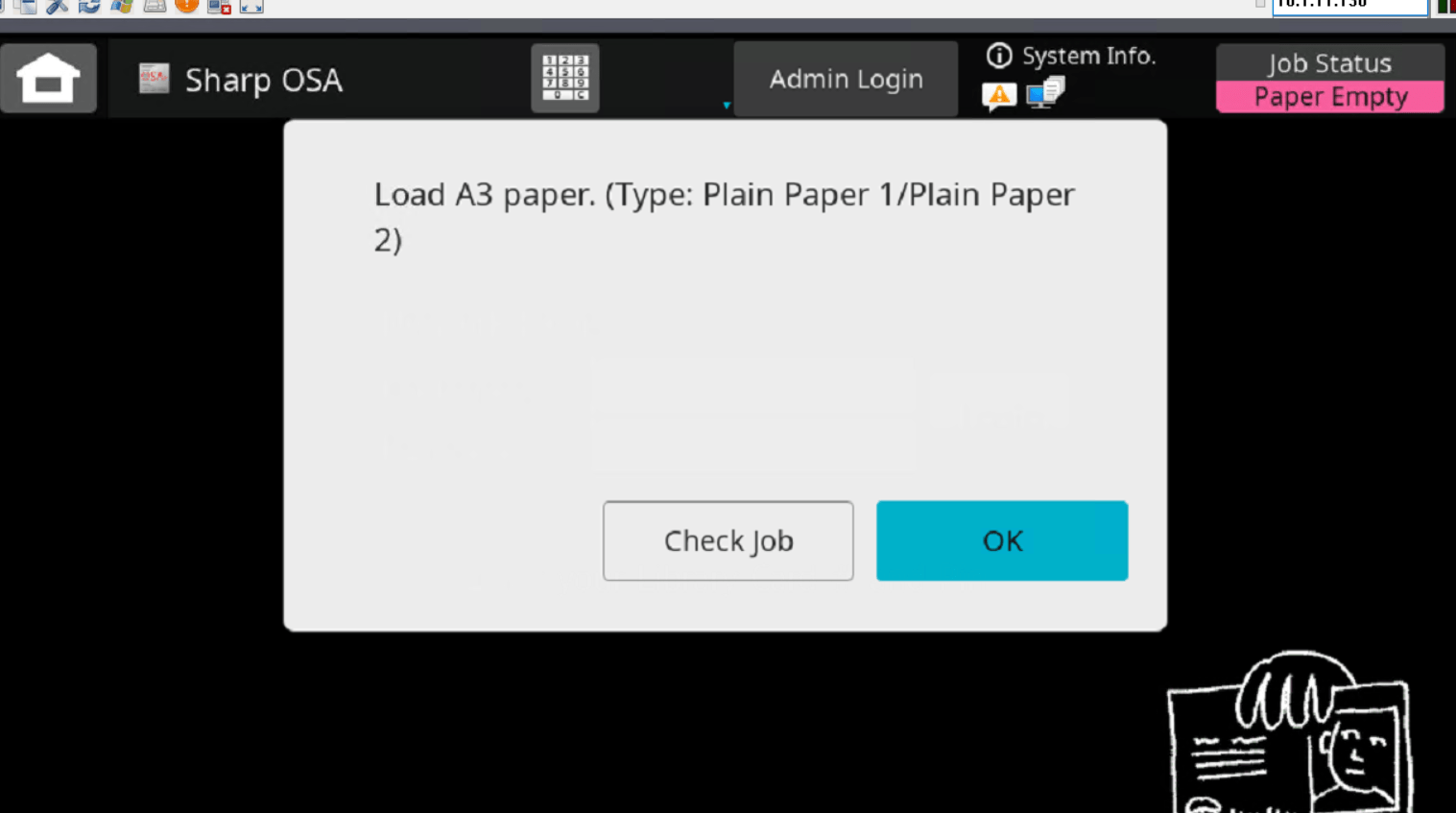 , opens a new window