If you haven’t uploaded your files yet, complete the steps in “How do I upload my files for printing?” first.
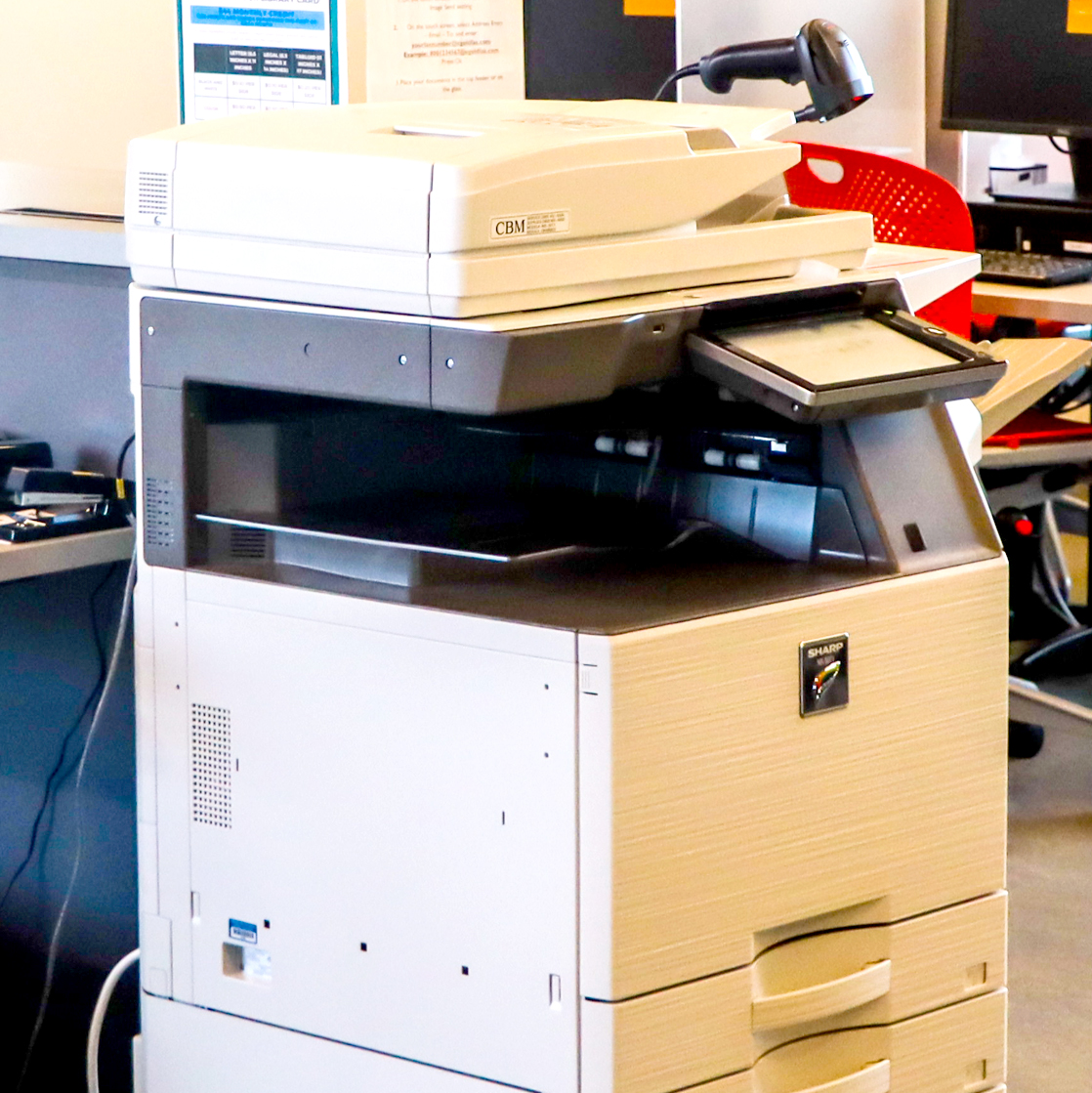
At any print station:
- Log in with your library card number and PIN.
- Select Pharos Print Release.
- Choose your document(s) and press Print.
- Log out when finished.