- Download the Pharos Print app (iOS and Android).
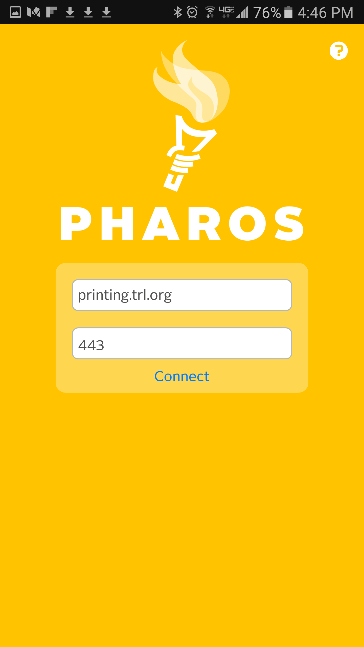
- On the configuration screen:
- Server: printing.trl.org
- Port: 443

Example of the configuration screen when you open the app for the first time.
- Log in with your library card number and PIN.
- Click UPLOAD and choose your document on your device.
- Adjust print settings at the lower right corner of the screen.
- Repeat for additional documents.